Public holidays
Team settings > Regional is where you define regions and their public holidays. A region can then be assigned to sites, staff and resources, so each one's availability reflects local holidays.
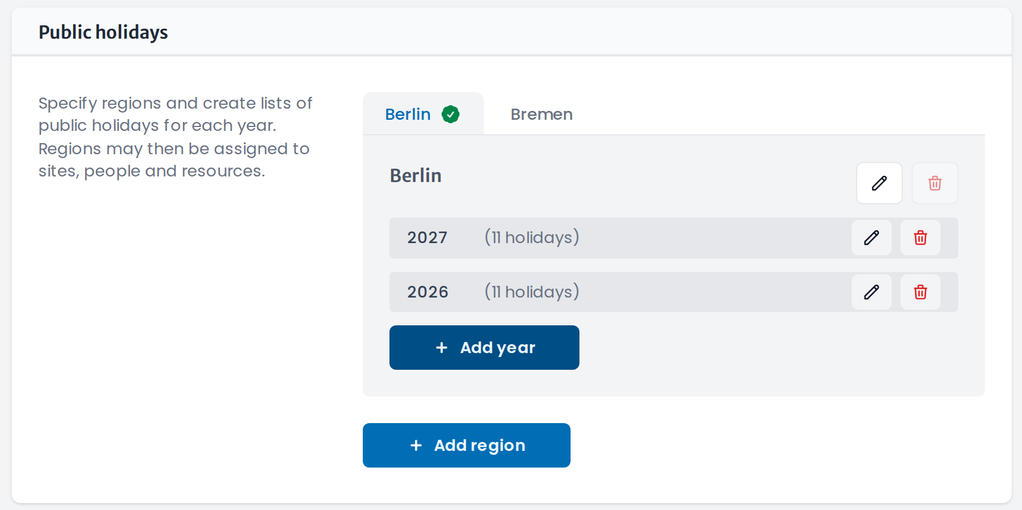
- Click Add region and name it (for example Berlin).
- With the region selected, click Add year and add that year's public holidays.
- You can import the list of public holidays from our database automatically one year in advance, or add them manually.
- Assign the region on a site, staff member or resource via the public-holiday region field on its page.
note
Add each upcoming year in advance, and review the dates — some public holidays move from year to year. Also, some cities or states have their own public holidays, so check the list for your region.