Roles & permissions
Team access is controlled by roles. Manage them from the team menu > Team Members.
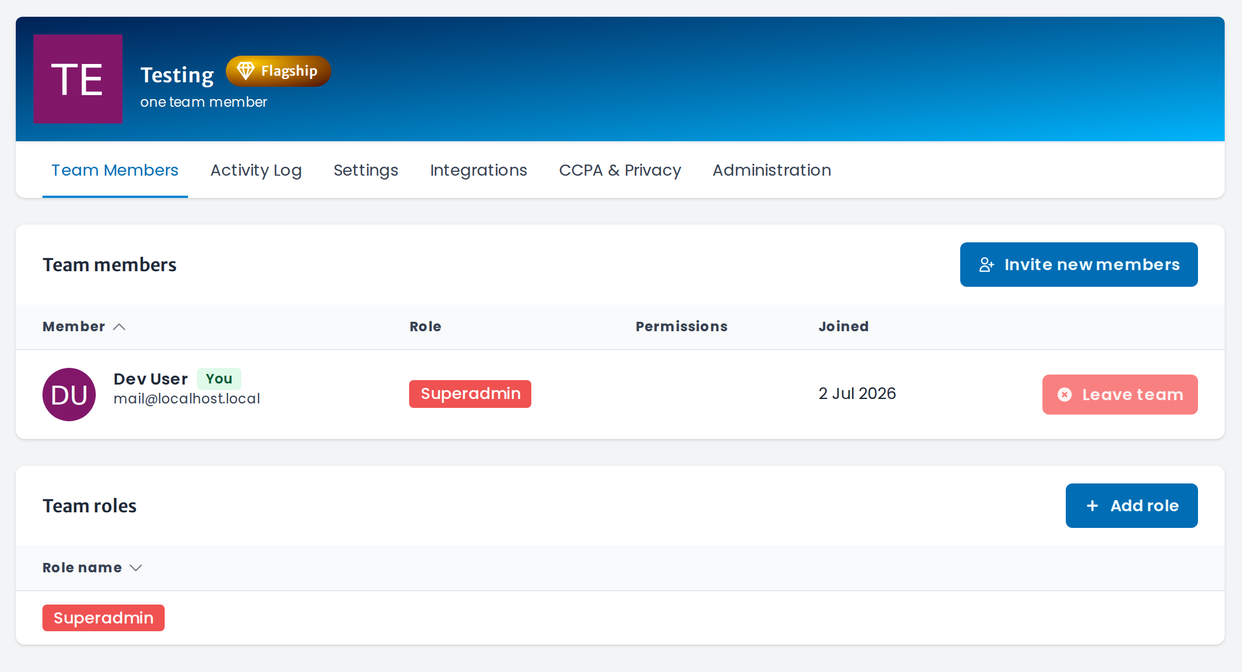
Team members
Use Invite new members to add people, and give each member a role. The list shows everyone's role, permissions and join date.
Roles
Under Team roles, click Add role to create a role and choose the permissions it grants — per module, e.g. bookings, projects, clients or analytics. Assign the role to members to give them that access.
note
Superadmin has full access. Otherwise, give people the narrowest role that still lets them do their job.
tip
Roles pair with departments, which model your org structure and drive approval workflows.